You work from home, and so does your partner. Your workspace is shared, but your productivity doesn’t have to suffer. You need a system to keep your office organized and clutter-free. You’ll learn how to create a functional and efficient space that works for both of you. Your goal is to boost productivity and minimize distractions. You’ll start by assessing your space and setting clear boundaries, then implement a plan to maintain your organized office. Your shared home office will become a haven for productivity.
Key Takeaways:
To effectively manage a shared home office space, consider the following points:
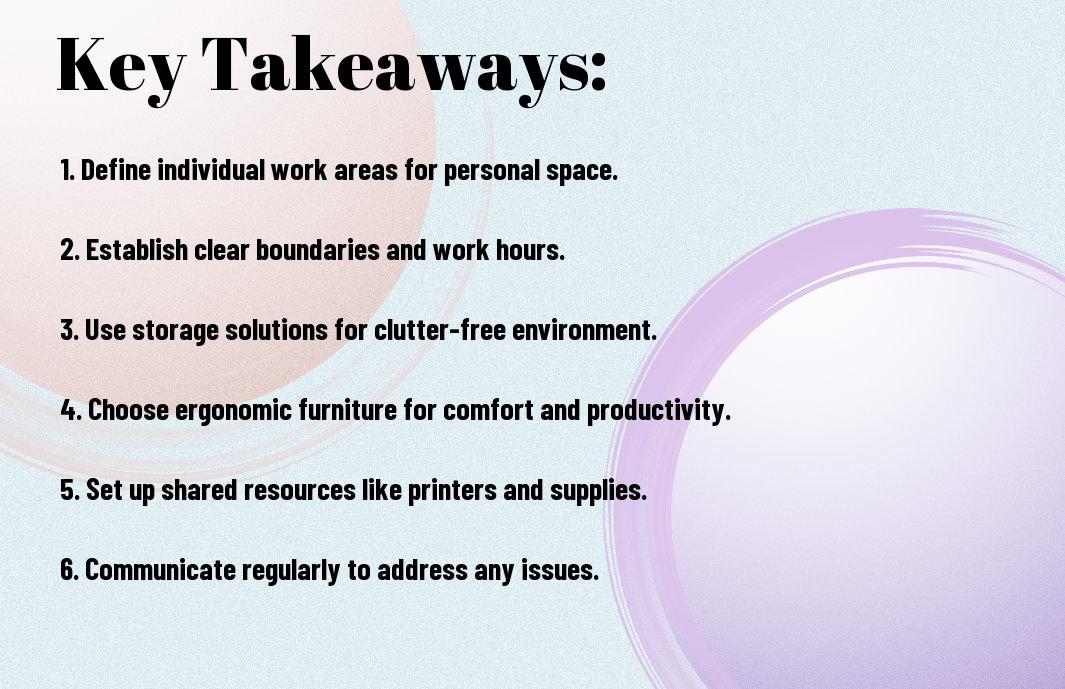
- Establish a Designated Workspace for each individual to maintain organization and minimize clutter, ensuring that each person has their own area to work efficiently.
- Implement a Shared Storage System to keep common office supplies and documents in order, making it easy for everyone to access what they need when they need it.
- Develop a Schedule and Routine that outlines work hours, meeting times, and cleaning responsibilities to promote a sense of respect and harmony among those sharing the space.
Assessing the Space
A well-planned shared home office starts with evaluating the area. You can find inspiration on how to arrange your space by visiting posts about How to Arrange A Shared Home Office For Two? to get started.
Measuring the Room
Among the first steps in planning your office is measuring the room. You will need to take note of the dimensions of your space to determine the best layout for your furniture and equipment.
Identifying Natural Light Sources
Assessing the natural light in your office is vital. You should identify where the natural light comes from and how it affects your workspace throughout the day.
Due to the impact of natural light on productivity, you will want to position your desk and other work areas to maximize the benefits of natural light, making your workspace more comfortable and efficient. You will be able to work better and stay focused with a well-lit space.
Designing the Layout
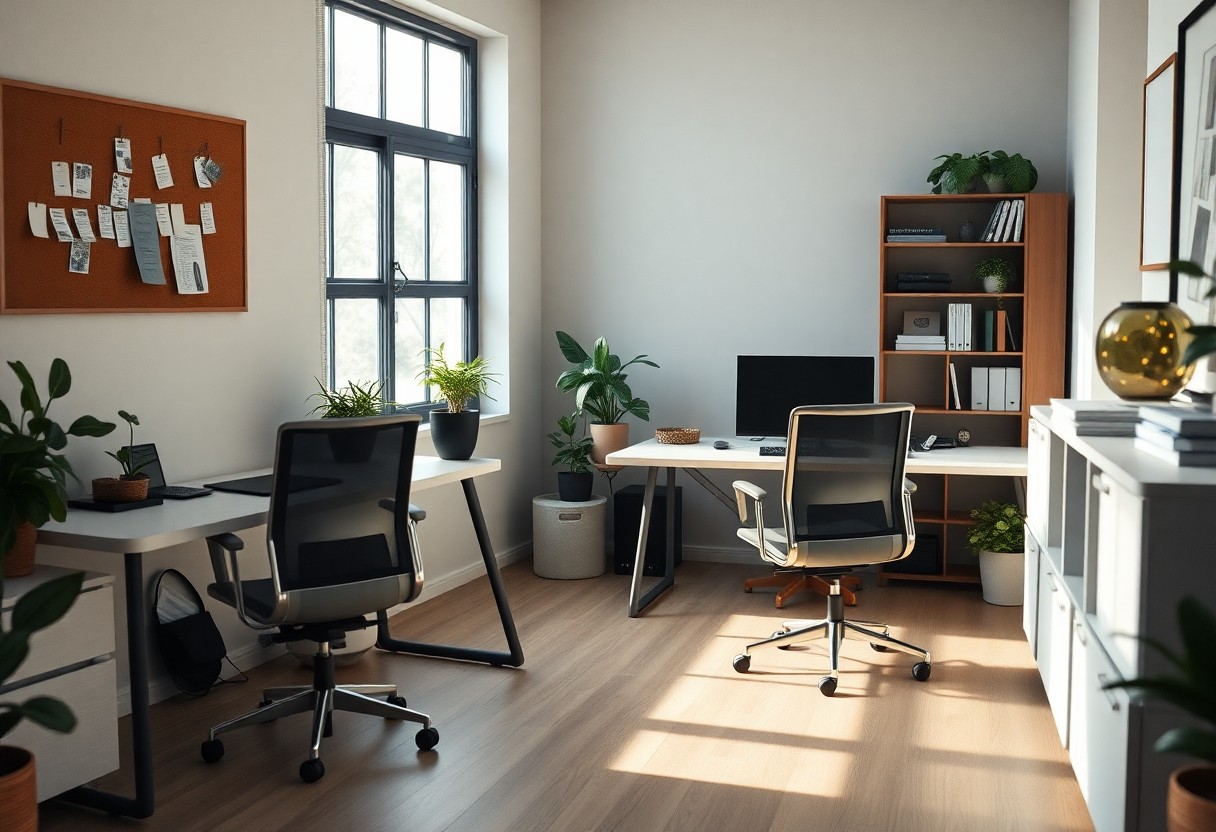
Any well-organized shared home office space starts with a thoughtful layout. You’ll need to consider the room’s dimensions, the number of users, and the type of work that will be done there.
Creating a Functional Workflow
Above all, your goal is to create a space that promotes productivity. You’ll want to position workstations to minimize distractions and maximize collaboration, allowing you to work efficiently and effectively.
Selecting Essential Furniture
Beneath the surface of a well-designed office lies functional furniture. You’ll need to choose pieces that serve multiple purposes, such as a desk with built-in storage, to keep your space organized and clutter-free.
Layout is key when selecting imperative furniture for your shared home office. You’ll want to consider the flow of traffic, the placement of electrical outlets, and the overall aesthetic you want to achieve. By choosing furniture that fits your needs and the space, you’ll be able to create a comfortable and productive work environment that you and your colleagues will enjoy using.
Establishing Boundaries
Many shared home office spaces require careful planning. You can find inspiration for your space by checking out 5 Steps to Setting Up a Shared Home Office Space. This will help you create a functional and harmonious workspace.
Defining Personal Workspaces
With a clear plan, you can define your personal workspace, making it easier to focus on your work. You’ll be able to customize your area to suit your needs, ensuring productivity and comfort.
Setting Rules for Shared Areas
Behind every successful shared office space are rules that maintain harmony. You’ll need to establish guidelines for shared areas, such as common desks or equipment, to avoid conflicts and ensure a smooth workflow.
Boundaries are crucial in a shared home office space. You’ll need to communicate your needs and expectations clearly, respecting your colleagues’ space and time. By setting rules and guidelines, you can create a productive and respectful environment, allowing you to work efficiently and effectively.
Managing Shared Resources
Despite the challenges, you can efficiently manage shared resources in your home office. You’ll need to establish clear guidelines and communicate with your coworkers to avoid conflicts.
Scheduling Shared Equipment
Before using shared equipment, you should create a schedule to ensure everyone has access when they need it. You can use a shared calendar to reserve time slots for equipment like printers or scanners.
Organizing Shared Supplies
Regarding resources, you will need to keep track of supplies like paper, ink, and toner. You can assign a person to monitor and reorder supplies as needed.
Shared supplies can quickly become disorganized, so you need to designate a specific area for storage. You should label each storage bin and shelf to help your coworkers quickly find what they need, keeping your home office tidy and functional.
Maintaining Productivity
Now that you’ve set up your shared home office space, it’s time to focus on staying productive. You’ll need to find ways to minimize distractions and establish a routine that works for you and your coworkers.
Minimizing Distractions
Apart from noise and clutter, distractions can come in many forms, and you must identify what hinders your focus and take steps to eliminate it, so you can concentrate on your work.
Establishing a Routine
Only by creating a schedule and sticking to it can you ensure that your work gets done efficiently, and you’ll be able to make the most of your shared home office space, allowing you to achieve your goals.
Minimizing procrastination is key to establishing a routine, and you can achieve this by breaking down your tasks into smaller, manageable chunks, and assigning specific times for each task, helping you stay on track and maintain your productivity levels throughout the day.
Addressing Conflicts
For a harmonious shared home office, you need to tackle conflicts head-on. You’ll encounter differences in work styles and habits, but with a clear plan, you can minimize disruption and maintain productivity.
Communicating with Roommates
Beneath the surface of a well-run shared office lies effective communication. You must discuss your needs, boundaries, and expectations with your roommates to avoid misunderstandings and ensure a smooth workflow.
Resolving Disputes
Alleviating tension is key to resolving disputes. You should establish a process for addressing issues as they arise, allowing you to find mutually beneficial solutions and preserve your working relationship.
This process involves active listening, compromise, and a willingness to adapt. You’ll need to consider your roommates’ perspectives, be open to changing your own habits, and work together to find a resolution that suits everyone. By doing so, you can maintain a positive and productive shared home office environment, even in the face of disagreements.
Conclusion
Considering all points, you’ve learned how to organize a shared home office space. You can now create a functional area that boosts your productivity. For more tips, check out A Useful Guide for Sharing a Home Office with Your Partner. With your new space, you’ll be able to work efficiently and effectively, making the most of your time and increasing your overall job satisfaction.
FAQ
Q: What are the benefits of organizing a shared home office space?
A: Organizing a shared home office space can greatly improve productivity, reduce clutter, and enhance the overall working environment. By designating specific areas for different tasks and activities, individuals can minimize distractions, optimize their workflow, and maintain a sense of personal space. A well-organized shared home office can also promote collaboration, creativity, and communication among users, ultimately leading to better work outcomes and a more harmonious working relationship.
Q: How can I determine the best layout for my shared home office space?
A: To determine the best layout for your shared home office space, start by assessing the room’s dimensions, natural lighting, and existing features, such as windows, doors, and electrical outlets. Consider the specific needs and work styles of each user, including the type of work they will be doing, the equipment they will need, and their preferred level of privacy. You can also use online tools or consult with a professional organizer to create a customized floor plan that maximizes the space and promotes efficient workflow.
Q: What are some effective ways to manage shared office supplies and equipment in a home office space?
A: To manage shared office supplies and equipment in a home office space, consider implementing a labeling system, where each user is assigned a specific set of supplies and equipment. You can also designate a central storage area for shared resources, such as paper, toner, and staplers. Establishing a routine for restocking and maintaining supplies can help prevent depletion and reduce waste. Additionally, setting clear guidelines for equipment usage and maintenance can help prevent conflicts and ensure that all users have access to the resources they need.
Q: How can I maintain a clutter-free and organized shared home office space over time?
A: To maintain a clutter-free and organized shared home office space, establish a regular cleaning schedule, where each user is responsible for tidying up their designated area. Set aside time each week for a thorough cleaning and organization of the shared spaces, including dusting, vacuuming, and wiping down surfaces. Implementing a “one in, one out” policy can help prevent clutter from building up, and encouraging users to prioritize digital storage and paperless documentation can reduce paper waste and minimize the need for physical storage.
Q: What are some strategies for minimizing distractions and promoting productivity in a shared home office space?
A: To minimize distractions and promote productivity in a shared home office space, consider implementing noise-reducing measures, such as acoustic panels or noise-cancelling headphones. Establishing clear communication channels and setting boundaries around work hours and focus times can help reduce interruptions and distractions. Designating specific areas for breaks and socializing can also help users recharge and refocus, while implementing a system for tracking progress and setting deadlines can help individuals stay motivated and on track.
